How to Connect
Choose the method that works best for you
On Mobile
Download the AzuraCast Radio app, then add our station using the URL below.
- 1 Open the App Store or Google Play Store
- 2 Search for AzuraCast Radio and install it
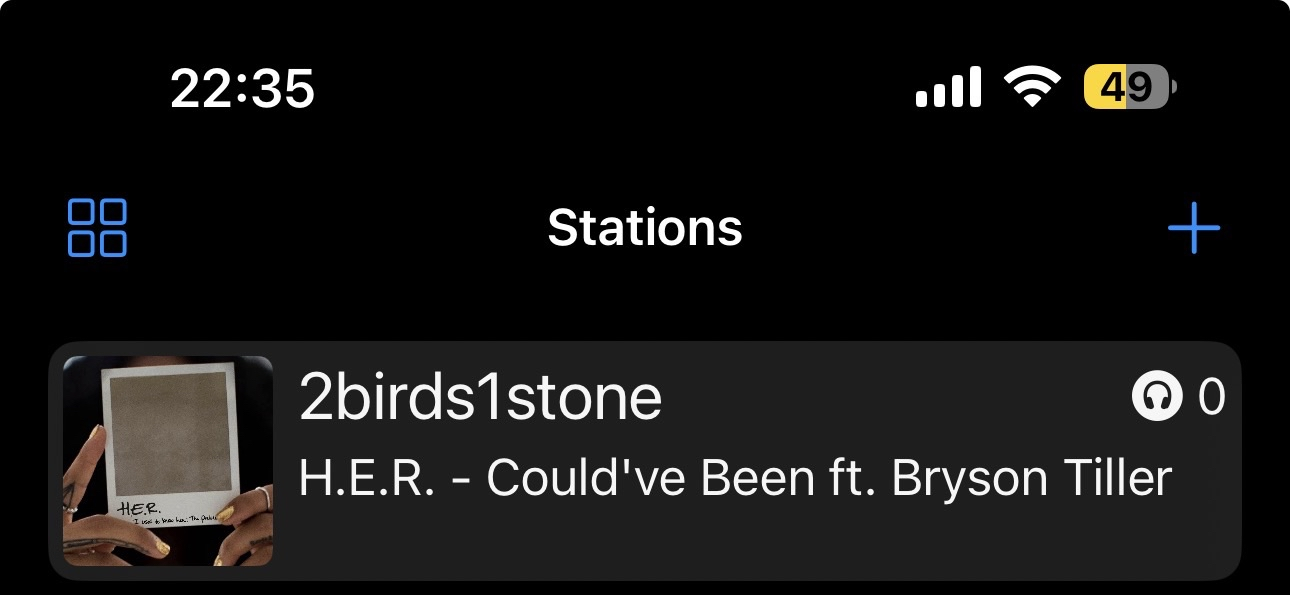
- 3 Add the station with this URL:
https://radio.2birds1stone.fr/listen/2birds1stone/radio.mp3
On PC / Browser
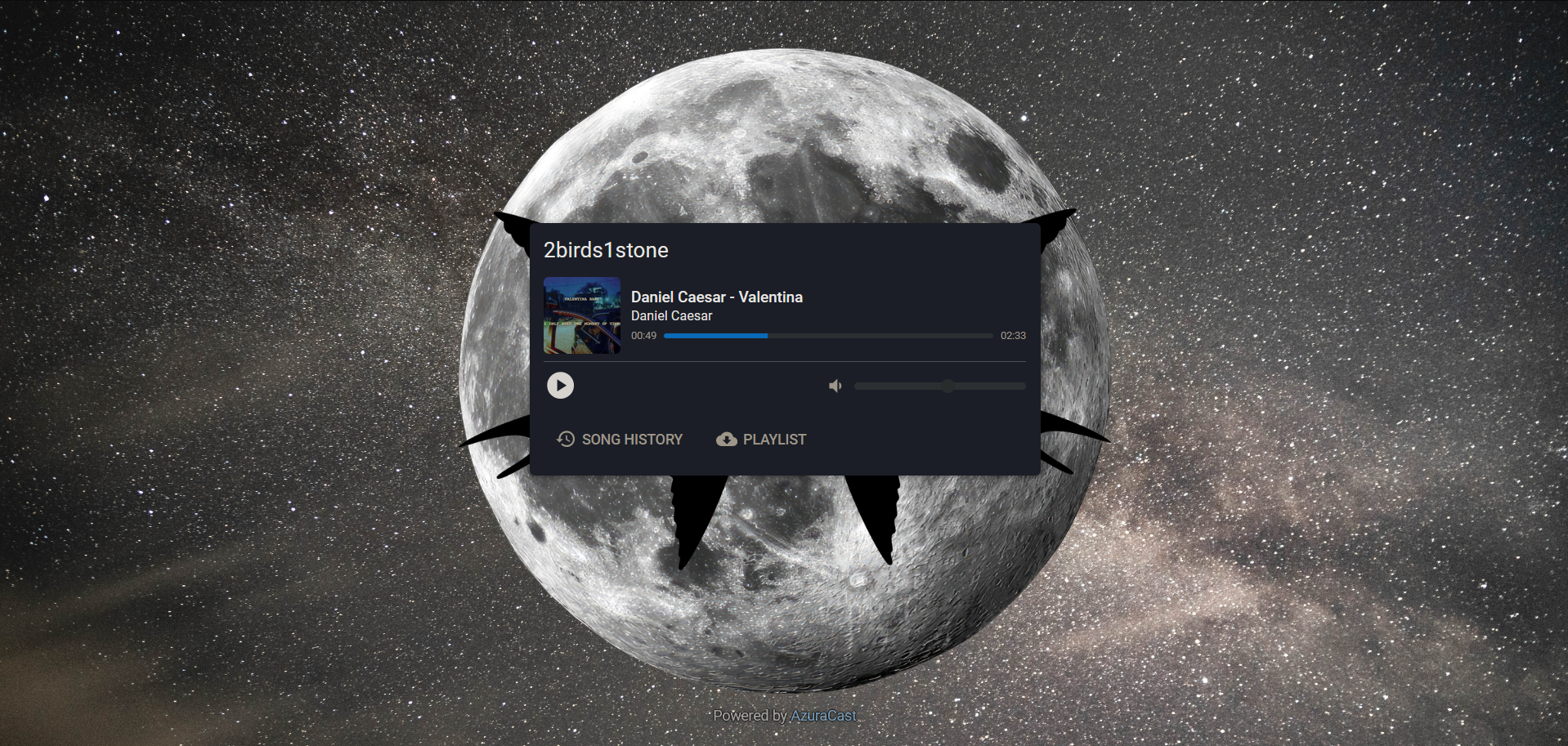
Open your browser and go directly to our public player — no download needed.
radio.2birds1stone.fr/public/2birds1stoneWorks on Chrome, Firefox, Safari and Edge. Bookmark it for quick access!
Or just listen here
The player at the bottom of every page lets you listen directly without any app.
Quick Tips
On mobile, AzuraCast lets you add favorite stations for quick access.
On PC, bookmark the public player page in your browser.
Any external audio player (VLC, etc.) works with the MP3 stream URL.
Need help? Ask the community →